Schema Markup Explained: What It Is, Why It Matters, and How to Generate It
Schema markup tells search engines exactly what your content is. Learn how JSON-LD structured data triggers rich results in Google, and generate valid markup without writing code.
February 18, 2026 · 4 min read
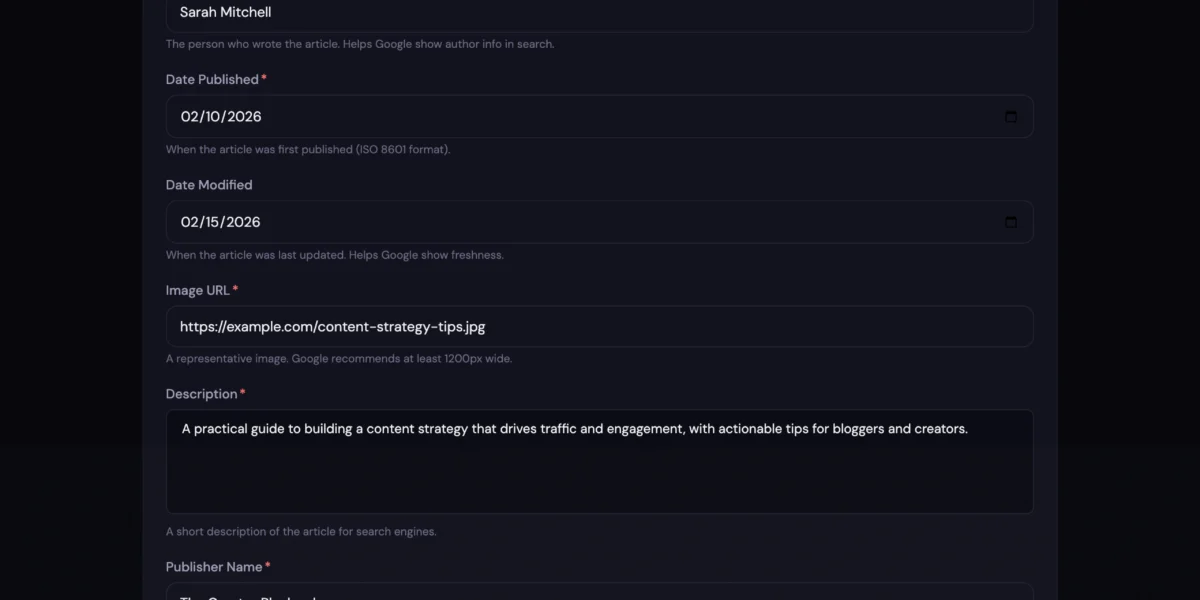
Google’s search results are full of rich listings. Recipe cards with star ratings and cook times. FAQ dropdowns that expand right in the results page. Event listings with dates and ticket prices. And then there’s your content: a plain blue link with two lines of gray text.
The difference? Schema markup. It’s one of those SEO things that sounds technical but is actually pretty straightforward once you see how it works.
What Is Schema Markup?
Schema markup is a chunk of structured data you add to your page’s HTML. It tells search engines, in very specific terms, what your content actually is.
Without it, Google reads your page and makes its best guess. “This seems to be about chocolate cake.” With schema markup, you’re spelling it out: “This is a Recipe. Chocolate cake. 45 minutes. Serves 8. Rated 4.7 stars from 312 reviews.”
Google, Bing, and other search engines use that structured data to create rich results, the enhanced listings that show star ratings, FAQ dropdowns, recipe cards, event dates, and more. These rich results consistently earn higher click-through rates than standard listings because they take up more visual space and give searchers the information they want before they even click.
How It Works
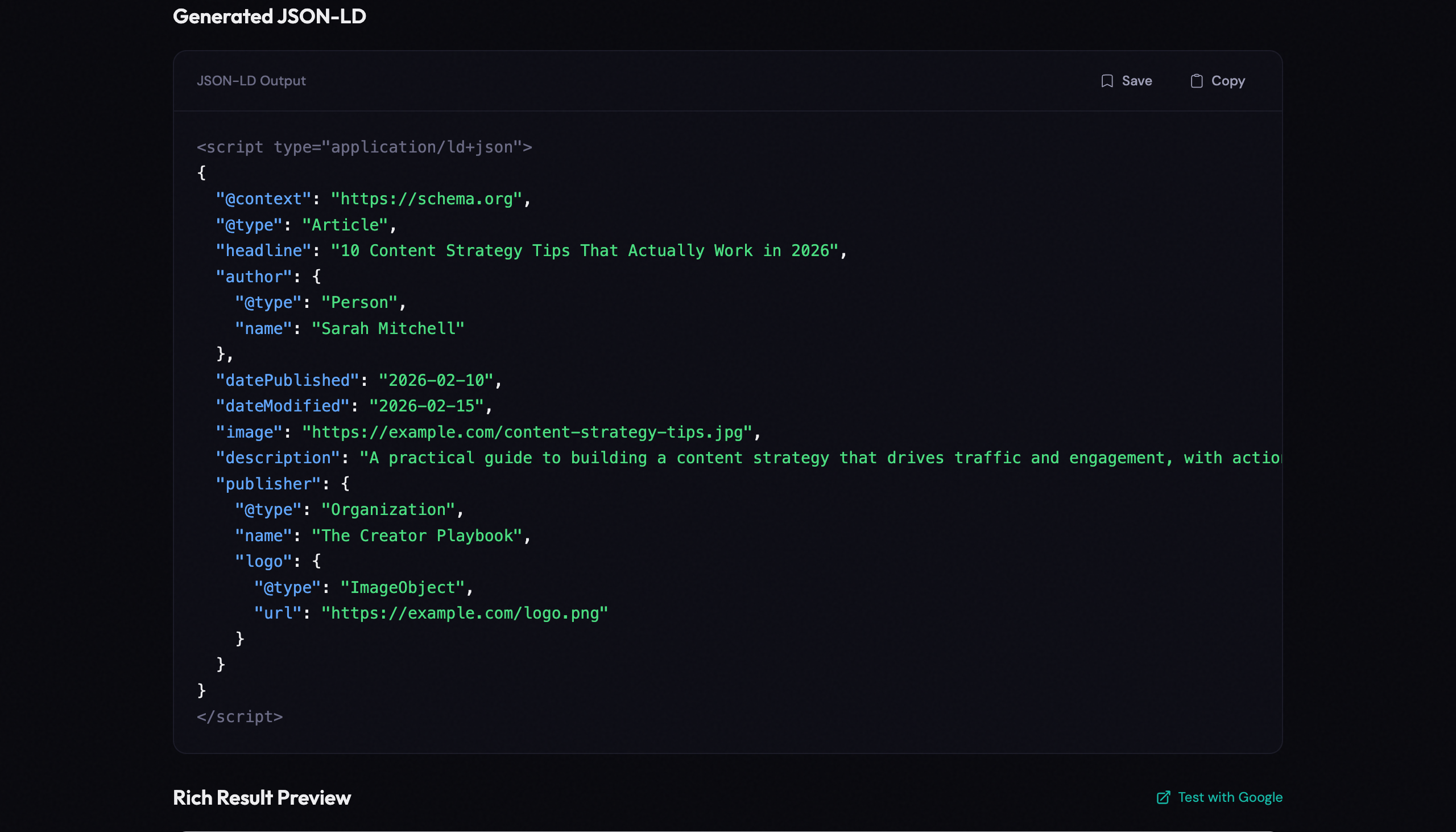
Schema markup uses a format called JSON-LD (JavaScript Object Notation for Linked Data). It’s a block of code that sits in your page’s <head> or <body>. Search engines read it; visitors never see it.
A simple Article schema looks like this:
{"@context": "https://schema.org", "@type": "Article", "headline": "Your Title Here"}
You don’t need to understand the syntax. You just need the right block for your content type, pasted into the right spot.
Why This Matters for Creators
Rich results aren’t decorative. They change how your content performs in search.
- More clicks. Rich results stand out visually. They earn more clicks than plain listings because they answer part of the searcher’s question before they even visit your page.
- Clearer signals to Google. Instead of making Google guess whether your page is an article, a product listing, or a recipe, schema tells it directly. Less ambiguity means better indexing.
- Extra real estate on the results page. FAQ and HowTo schema can trigger expandable sections in search results. Your listing gets bigger while everyone else’s stays the same size.
- Voice search eligibility. Structured data makes it easier for Google to pull your content into voice assistant answers, which is an increasingly common way people search.
The 8 Schema Types That Matter Most
Schema.org defines hundreds of types. Most of them are irrelevant for creators. These eight are the ones that actually trigger rich results in Google:
Article
For blog posts, news, and editorial content. Helps Google display your author name, publish date, and featured image in search results.
FAQ
For pages with question-and-answer content. Can trigger expandable FAQ dropdowns directly in Google search, which is huge for click-through rates.
HowTo
For step-by-step tutorials and guides. Google can show individual steps, time estimates, and materials right in the search results.
Product
For product pages and reviews. Enables star ratings, price, and availability badges in search listings.
Recipe
For food and cooking content. Triggers the rich recipe card with cook time, calories, ratings, and ingredient lists.
Local Business
For business location pages. Shows address, phone number, hours, and map integration in search and Google Maps.
Event
For conferences, webinars, concerts, and meetups. Displays dates, venue, ticket prices, and availability directly in search.
Video
For video content. Enables video thumbnails, duration, and upload dates in search results.
Why Getting Schema Right Is Harder Than It Looks
The idea is simple enough: describe your content in a structured format. But the details trip people up constantly.
Each schema type has required fields and recommended fields. Skip a required field and Google silently ignores the entire block. Use the wrong date format and validation fails. Nest an object incorrectly and the whole thing breaks with no error message, no warning, nothing. You just never get rich results and have no idea why.
Then there’s the testing loop. Write the JSON-LD (or try to), paste it into Google’s Rich Results Test, find errors, go back and fix them, test again. For one schema type, that process easily eats 30 minutes. For a site with multiple content types, it’s hours of back-and-forth.
And if you’re not comfortable with code, the raw JSON syntax is intimidating. One missing comma or mismatched bracket invalidates the entire block.
Schema Markup Best Practices
- Use JSON-LD format. Google recommends it over Microdata or RDFa. It’s cleaner to implement and doesn’t clutter your HTML.
- Stick to one primary type per page. A recipe page gets Recipe schema. A blog post gets Article schema. Don’t stack multiple primary types on the same page.
- Fill in the recommended fields, not just the required ones. Required fields are the bare minimum. Recommended fields improve your chances of triggering rich results.
- Test before publishing. Always validate your markup with Google’s Rich Results Test. Broken schema is worse than missing schema because it can actively confuse search engines.
- Make sure it matches your visible content. Don’t add a 5-star rating in your schema if your page doesn’t display reviews. Google penalizes misleading structured data.
- Use absolute URLs. All image and link fields should use full URLs (https://…), not relative paths.
Generate Schema Markup Without Writing Code
The Schema Markup Generator on CreatorTools handles the whole process. Pick a type, fill in your details, and get valid JSON-LD you can copy and paste.
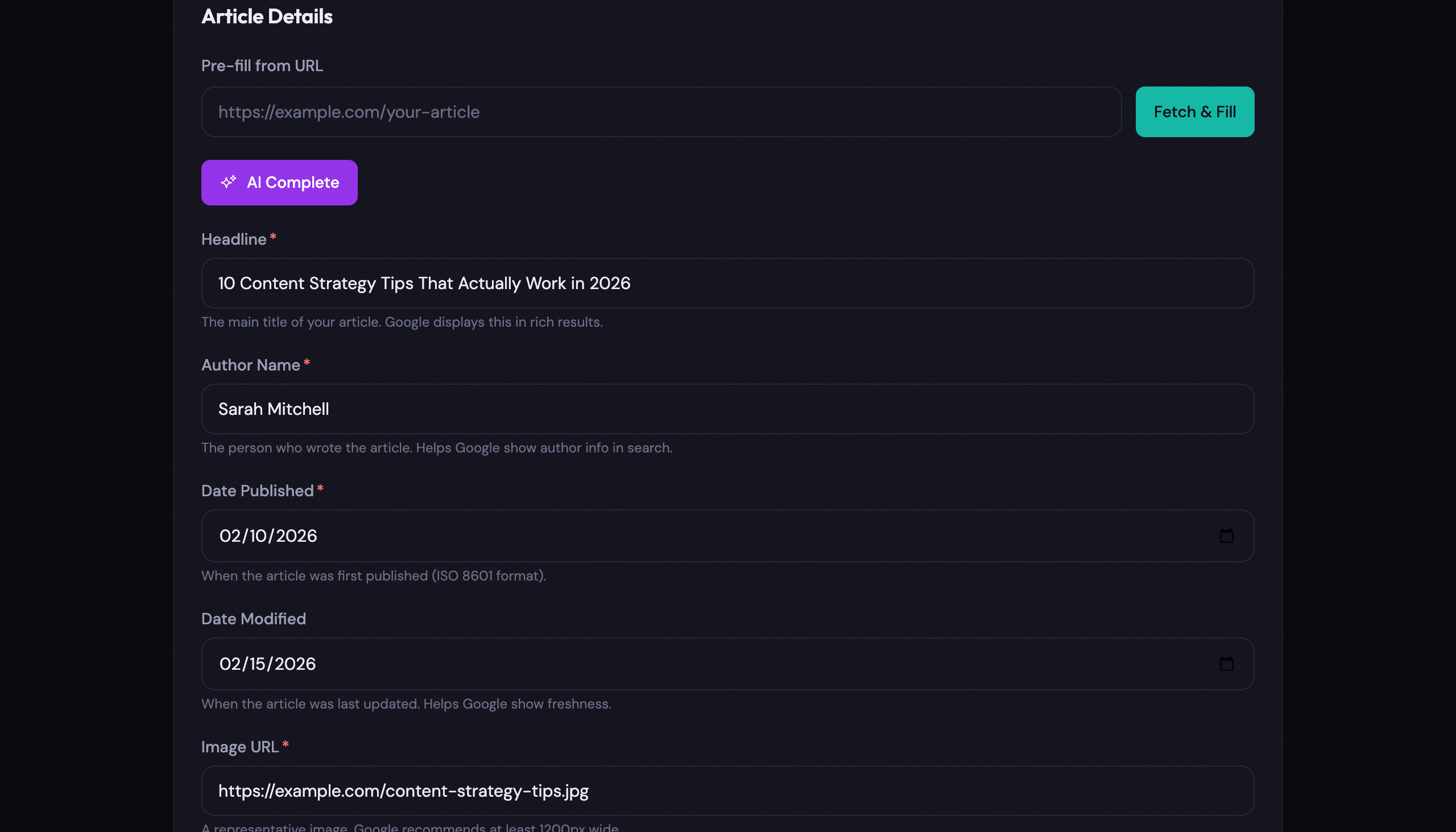
Here’s what it does:
- 8 schema types. Article, FAQ, HowTo, Product, Recipe, Local Business, Event, and Video, covering the most common rich result opportunities.
- Auto-fill from URL. Enter a page URL and the tool pulls in your existing meta tags (title, description, image) to pre-populate the form. No retyping.
- AI-powered completion. Pro users can fill empty fields with one click using AI suggestions based on the page content.
- Real-time validation. Required fields are flagged before you generate. No more pasting broken JSON into Google’s testing tool.
- Google-style rich result preview. See exactly how your schema will appear in search results before you add it to your site.
- One-click copy. Get the complete
<script type="application/ld+json">block ready to paste into your page. - Save and reuse. Logged-in users can save schemas and load them later for updates or reuse across similar pages.
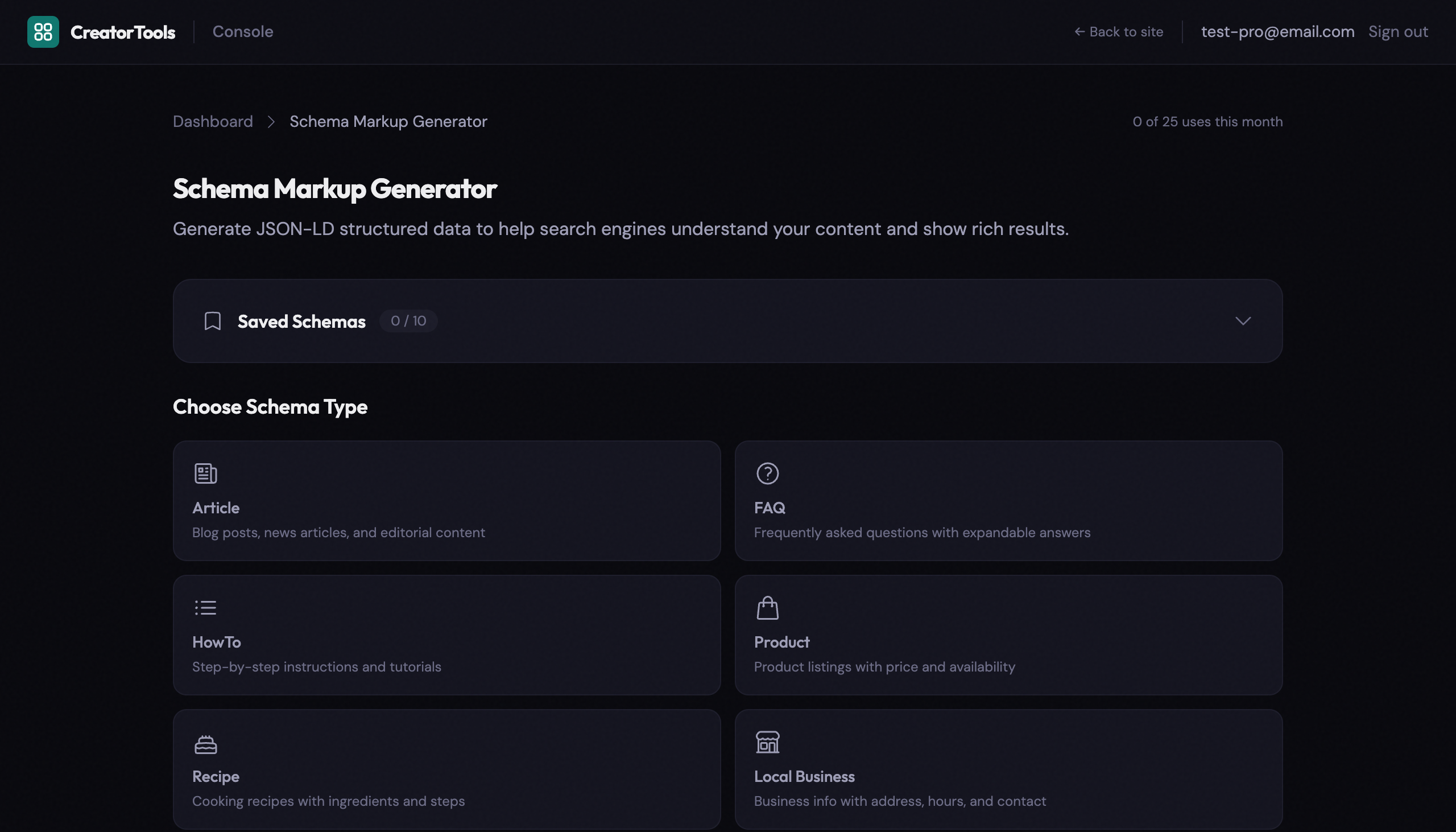
No account required. No install. Just pick a type and generate.
Try the Schema Markup Generator →
Schema markup is one of the few SEO moves where five minutes of work can genuinely change how your content shows up for millions of searches. You don’t need to learn JSON-LD syntax or debug brackets by hand. Pick your content type, fill in the fields, paste the result, and let Google do the rest.