Stop Tweaking Templates: Generate Social Media Graphics That Actually Match Your Brand
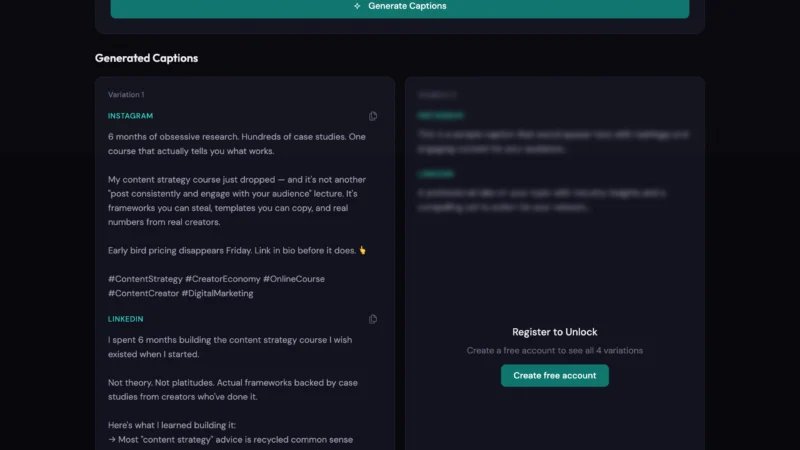
Most social media graphics look like templates because they are. The Social Media Asset Generator analyzes your website's brand identity and generates on-brand graphics in any format — no designer required.
March 15, 2026 · 3 min read
Every creator hits this wall eventually. You need a graphic. A post, a story, a new profile picture. You want it to look like your brand. So you open Canva. An hour later you’ve resized, recolored, and swapped fonts on someone else’s template, and the result still feels slightly off.
The template isn’t your brand. It’s a generic starting point. You can tweak it for an hour and it’ll still feel borrowed.
Consistent, on-brand social graphics require a designer who knows your visual identity cold, or a workflow specific enough to replicate that yourself. Most creators have neither.
What “on-brand” actually means in a graphic
Brand consistency in social graphics isn’t about putting your logo in the corner. It’s simpler than that: does this image feel like it came from the same account as the last one?
Most of that comes from color and tone. A dark palette reads nothing like a bright, airy one. Same subject, completely different feel. When your posts shift between vibes based on whichever template you grabbed that week, your feed looks like three different people are running it.
There’s something else that rarely gets thought through: how brand colors actually behave in a graphic versus on a website. Colors that work surrounded by white space and body text can go flat or clash when they’re the entire composition in a 1080×1080 frame. Knowing your hex codes is not the same as knowing how to use them.
Throw multiple platforms into the mix and it compounds. Instagram, TikTok, LinkedIn, YouTube each has different visual norms. A sleek, minimal look that performs on LinkedIn can feel clinical on TikTok, where personality tends to outperform craft. Posting one graphic everywhere usually means it fits nowhere well.
Every platform is a different format problem
The dimensions alone create friction.
A square 1:1 post is the easy case. TikTok stories are 9:16, portrait, full bleed, with the like/comment/share buttons sitting on the right edge of the frame. Put anything important there and it gets buried. Instagram stories have the same issue along the bottom: the caption strip and gesture area eat into the lower section.
LinkedIn banners are 1584×396 and get partially covered by your profile photo, name, and headline starting from the left side. Most banner templates don’t account for this. I’ve seen people publish banners where their own tagline sits directly behind their headshot.
Profile pictures are their own problem. Instagram renders them at 32×32 pixels in some contexts. Anything with fine detail disappears. The ones that hold up: bold, high-contrast, built around a single element.
What makes a social graphic actually work
- Design for the smallest display size first. If it reads at 32px, it’ll read everywhere. If it doesn’t, strip it down.
- Two colors per graphic, not your whole palette. The full set belongs on your website where it has room to breathe. Pick the two that matter for the piece.
- Watch your safe zones. For stories, keep anything critical in the center third vertically. The notification bar and bottom gesture area together take 10–15% of the frame on both TikTok and Instagram.
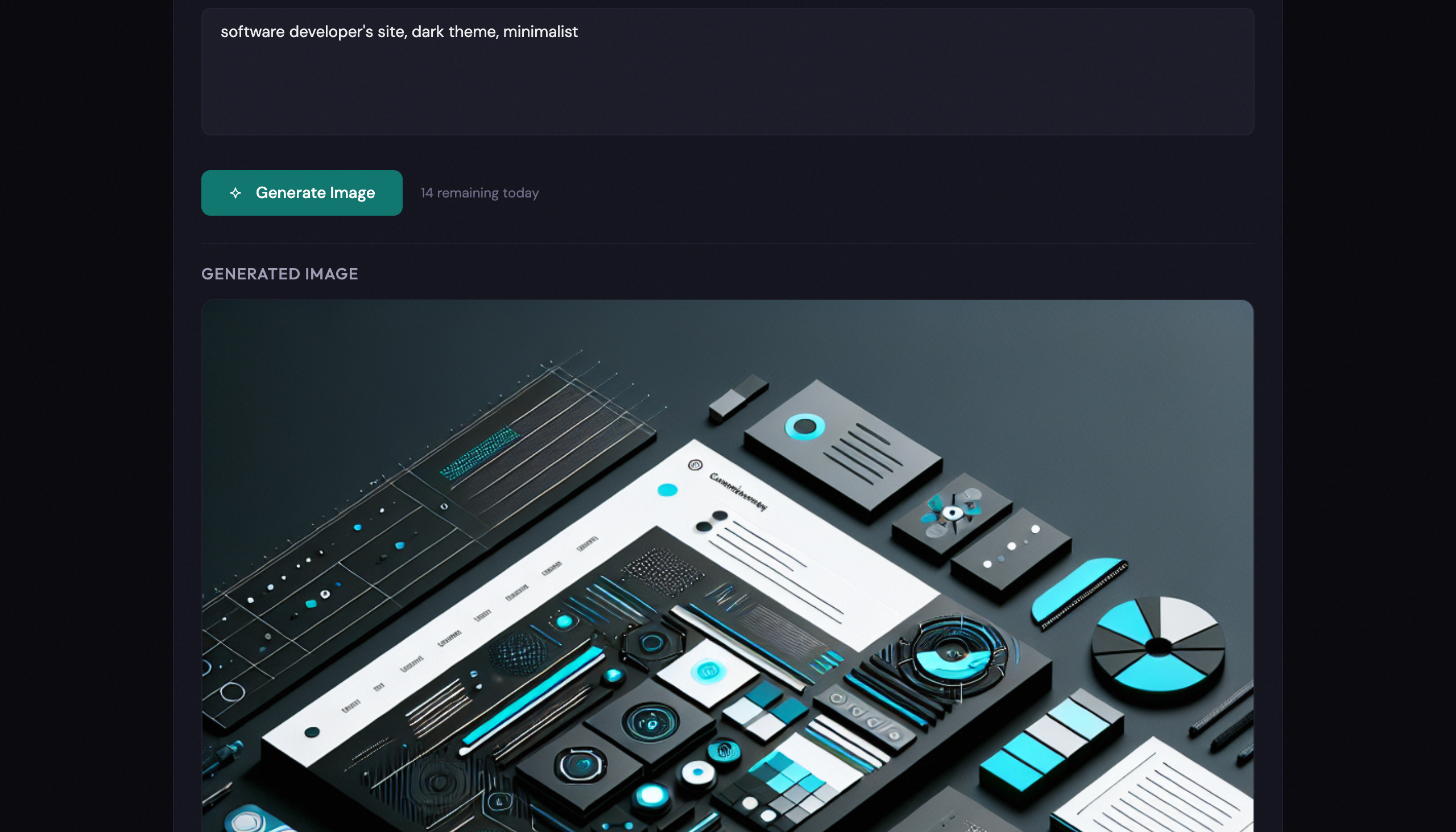
- Don’t try to put text inside a generated image. AI image models are bad at typography. Letters warp, words turn into noise. Add text as a canvas overlay after generation. It’ll look cleaner every time.
- Consistency beats variety. A simpler graphic that looks unmistakably like your brand, posted repeatedly, is worth more than a polished one-off that looks like it came from somewhere else.
Generating on-brand assets with AI
The Social Media Asset Generator runs in three steps.
Start with Vibe Check: enter your site URL and it pulls your brand colors, typography, and overall design tone, then generates a set of descriptive keywords that capture the feel: “minimal,” “bold,” “technical.” Edit whatever it got wrong, add keywords it missed, save the profile. You won’t need to re-run it every session.
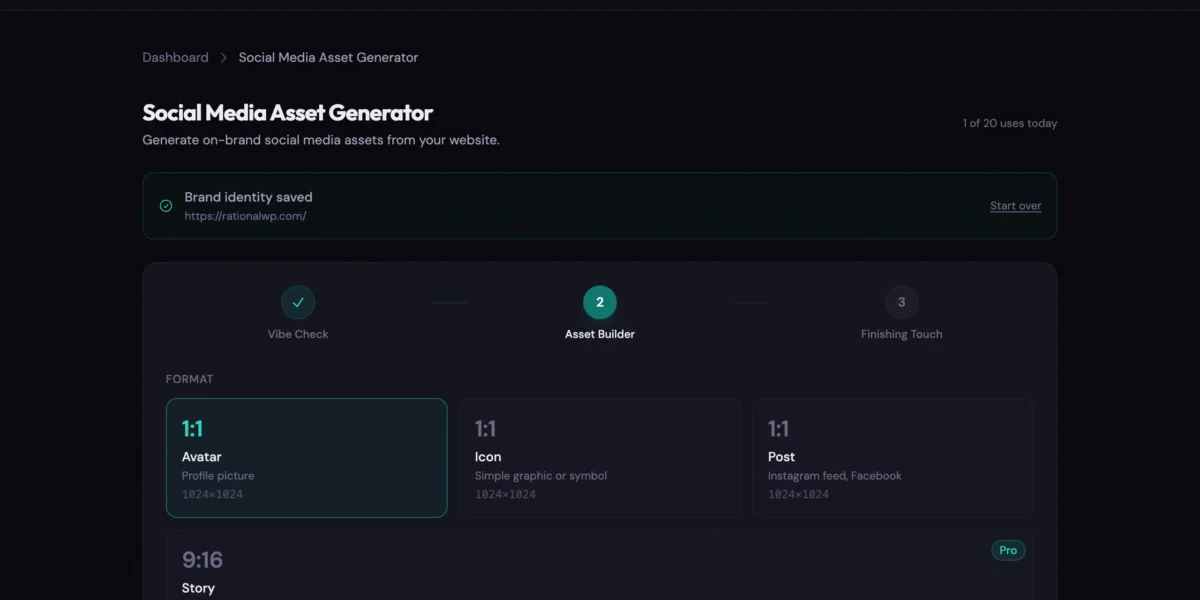
From there, Asset Builder. Pick a format (Avatar, Icon, Post, Story, or Banner), add a creative direction if you have one, and generate. If the first result is too busy, the Simplify button strips the composition back in passes: fewer elements, more open space, one focal point. You can run it up to three times. Story and Banner formats require Pro.
Finishing Touch opens the image in a canvas editor. Your brand font loads automatically for text overlays. Upload a logo PNG, dial the opacity, toggle safe zone overlays to see where platform chrome will land. The export is client-side. The PNG builds in your browser.
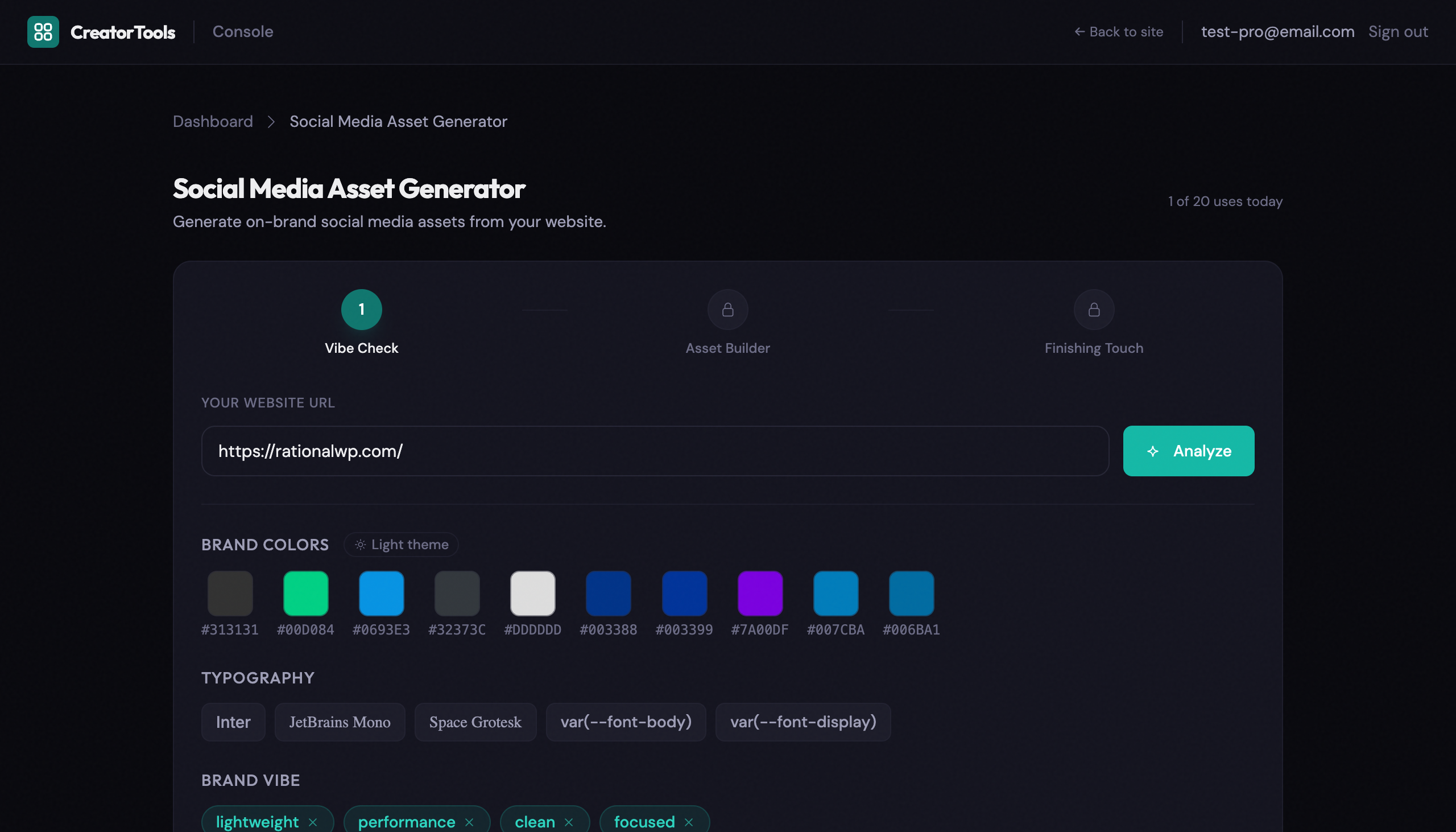
One non-obvious detail: before anything goes to DALL-E, the tool converts your hex codes to plain-language color descriptions. “Deep navy and warm amber” instead of “#1A1A2E and #D4A050.” The model responds much better to language it can reason about than to raw values. Vibe keywords work the same way. They’re not decorative. They’re the actual creative input.

No account required. No install. Just open it and generate.
Try the Social Media Asset Generator →
Takeaway
Templates solve the blank canvas problem by giving you someone else’s canvas. That’s the tradeoff you’re making every time. This tool starts from your site’s actual colors and aesthetic and works outward. Three generations and a few minutes in Finishing Touch is usually enough to have something that looks like yours, not like you found it in a template library.