
Why Your AdSense Application Got Rejected (And How to Check Before You Apply)
Most AdSense applications get rejected on the first try. Here's what Google actually checks (technical setup, trust pages, content quality, and policy compliance) and how to audit your site before you apply.
February 16, 2026 · 3 min read
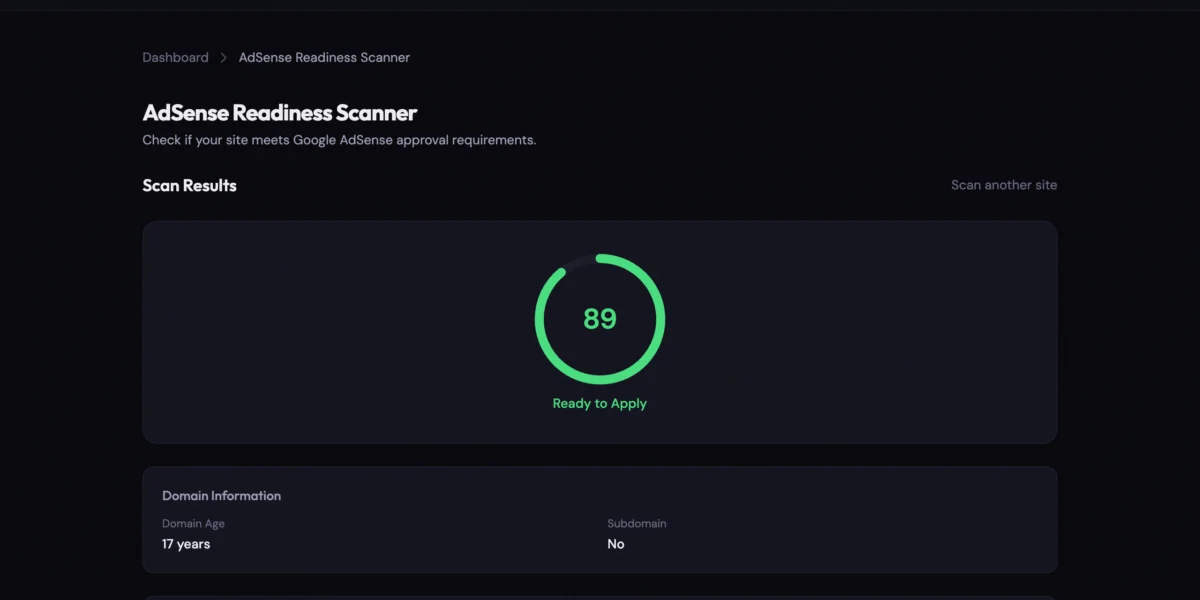
Google rejects the majority of first-time AdSense applications. That’s not a scare tactic; it’s just what happens when the requirements are scattered across dozens of help pages and policy documents that read like they were written by lawyers (because they were).
The rejection email is famously unhelpful. “Your site isn’t ready.” No specifics. No checklist. Just a pointer to “review AdSense program policies” and a three-week wait if you want to try again.
Here’s what they’re actually checking, and how to audit your site before you submit.
Why most applications get rejected
Google doesn’t publish a clean pass/fail checklist. But the rejection reasons fall into four categories, and they’re more predictable than you’d think.
Technical issues
Your site has to work properly before Google even looks at the content:
- HTTPS everywhere. A valid SSL certificate with no mixed content (HTTP images or scripts loaded on HTTPS pages).
- Mobile-friendly design. A viewport meta tag and responsive layout.
- No blocked crawlers. Your
robots.txtcan’t block Mediapartners-Google. - Reasonable page speed. Core Web Vitals matter. A site that takes 8 seconds to load isn’t getting approved.
These sound basic, but mixed content issues and missing SSL redirects are among the most common rejection triggers.
Missing trust pages
Google wants to see that a real person or business runs the site:
- Privacy Policy that mentions Google, cookies, and third-party advertising. A one-paragraph placeholder won’t pass.
- About page with real content about who runs the site (200+ words, not boilerplate).
- Contact page with a working form or email address.
Missing even one of these gets a lot of applicants rejected automatically.
Thin or insufficient content
This is the most common reason. Google wants to see:
- At least 15 to 30 pages of original content, ideally more
- Articles averaging 600+ words, not 200-word stubs
- A natural publishing pace (50 posts published in one day looks like auto-generated spam)
- No duplicate templates (pages that are structurally identical with swapped keywords get flagged)
Policy violations
Certain content categories are prohibited entirely: adult material, weapons, drugs, counterfeit goods, and academic dishonesty tools. Even a single page with prohibited content can sink the whole application.
YMYL content (Your Money or Your Life) like medical advice, financial guidance, or legal counsel gets extra scrutiny under Google’s E-E-A-T framework. If you publish in these areas, you need clear expertise signals.
The real problem: guessing in the dark
Most creators apply, get rejected, fix one thing they think might be wrong, reapply, wait three weeks, and get the same vague rejection. Repeat.
Each cycle wastes weeks. Google never tells you which specific checks you failed. It’s like getting a test back with just “F” written on top and no red marks anywhere.
What you actually need is a way to run the same checks Google runs, before you submit anything.
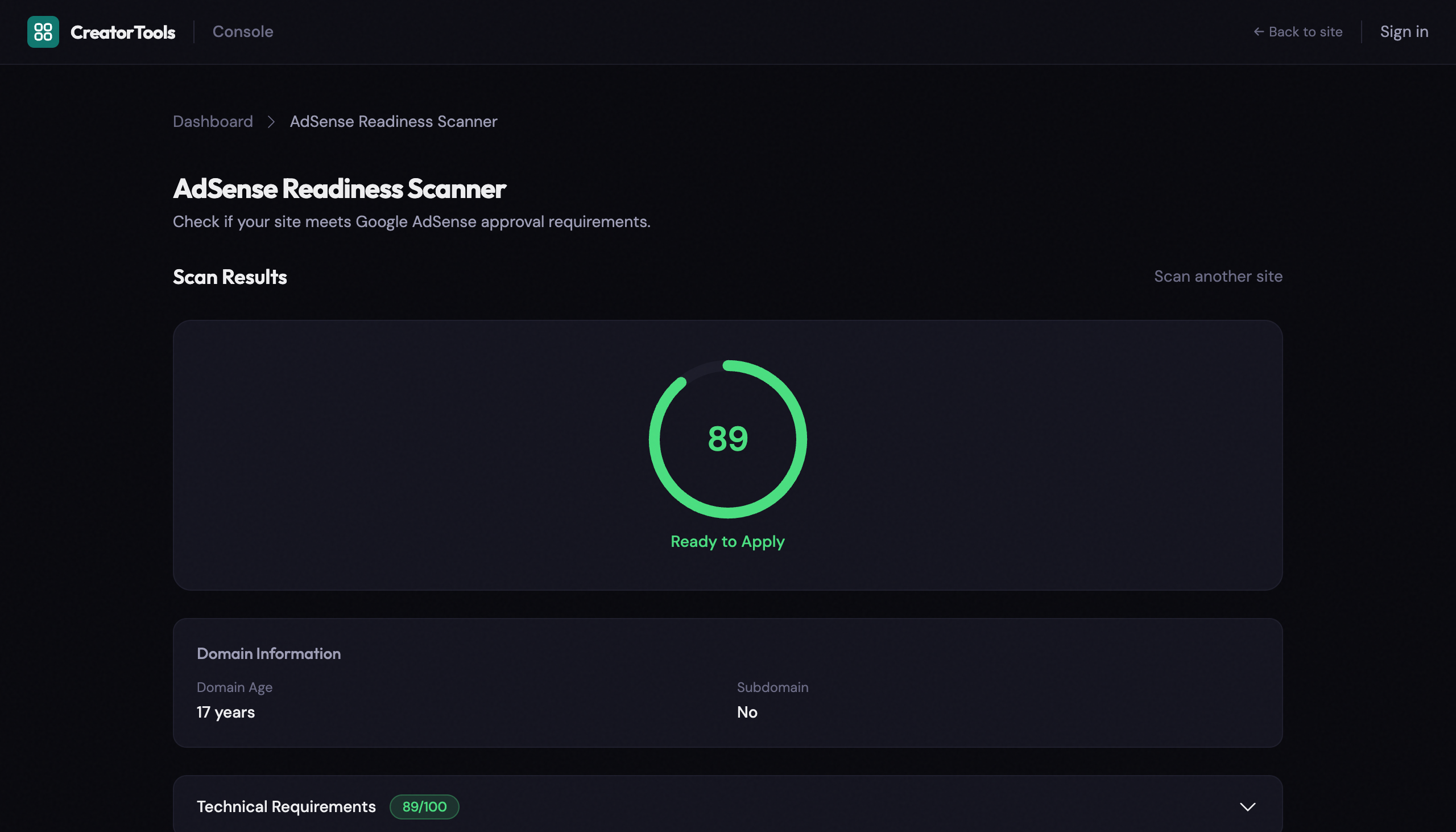
What Google checks (and what you should check first)
Here’s a practical checklist organized by the four areas that matter most.
Technical setup:
- Valid SSL certificate on all pages
- HTTP properly redirects to HTTPS
- No mixed content (HTTP resources on HTTPS pages)
- Viewport meta tag present
- Core Web Vitals passing (LCP under 2.5s, CLS under 0.1)
robots.txtnot blocking Google ad crawlers- XML sitemap present
Trust and legal pages:
- Privacy policy mentioning Google, cookies, and opt-out options
- About page with 200+ words of real content
- Contact page with a working form or mailto link
- Terms of service (recommended but not strictly required)
- GDPR cookie consent if targeting EU visitors
Content quality:
- 30+ pages of original content
- Average word count of 600+ per article
- Healthy text-to-HTML ratio (25%+ is good)
- Natural publishing frequency
- No orphaned pages (every page reachable via navigation)
- No broken internal links
Policy compliance:
- No prohibited content categories
- YMYL content backed by expertise signals
- No excessive existing ad density
That’s a lot of manual checking. Do it by hand and you’ll almost certainly miss something.
Check your site automatically with the AdSense Readiness Scanner
The AdSense Readiness Scanner runs all of these checks against your live site and gives you a weighted readiness score from 0 to 100, with a clear verdict: Ready to Apply, Needs Improvement, or Not Ready.
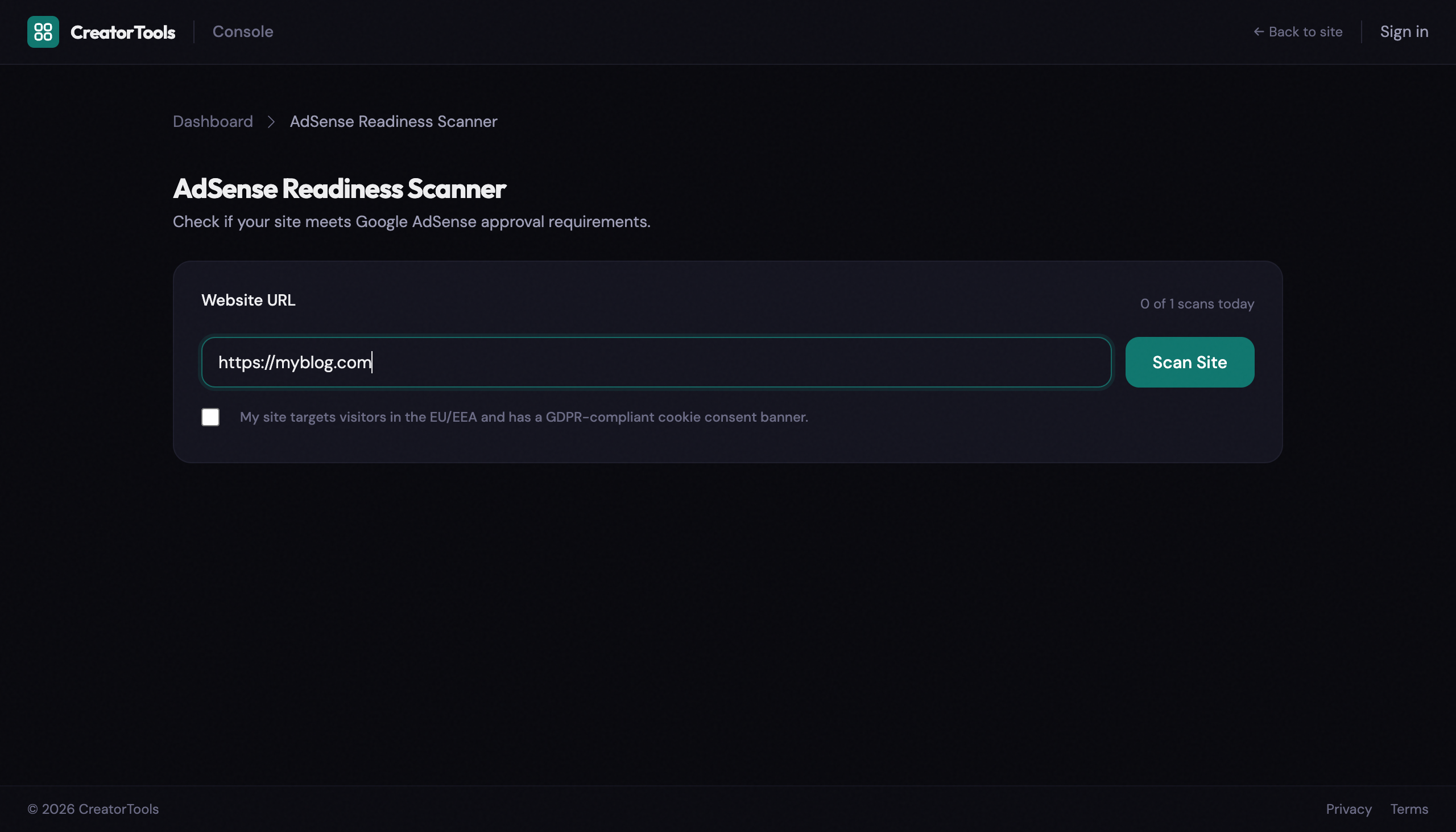
Enter your URL, hit scan, and the tool audits four layers:
- Technical Requirements checks SSL, redirects, mixed content, mobile viewport, Core Web Vitals, robots.txt, ads.txt, and sitemap.
- Trust & Legal Pages finds and analyzes your privacy policy, about page, contact page, and terms of service.
- Content Quality counts your pages, measures word depth, checks publishing velocity, and detects template duplication and orphaned pages.
- Policy Compliance scans for prohibited keywords, YMYL content flags, and existing ad density.
Every check includes a specific explanation and an actionable recommendation, not just a pass/fail but what exactly needs fixing and why.
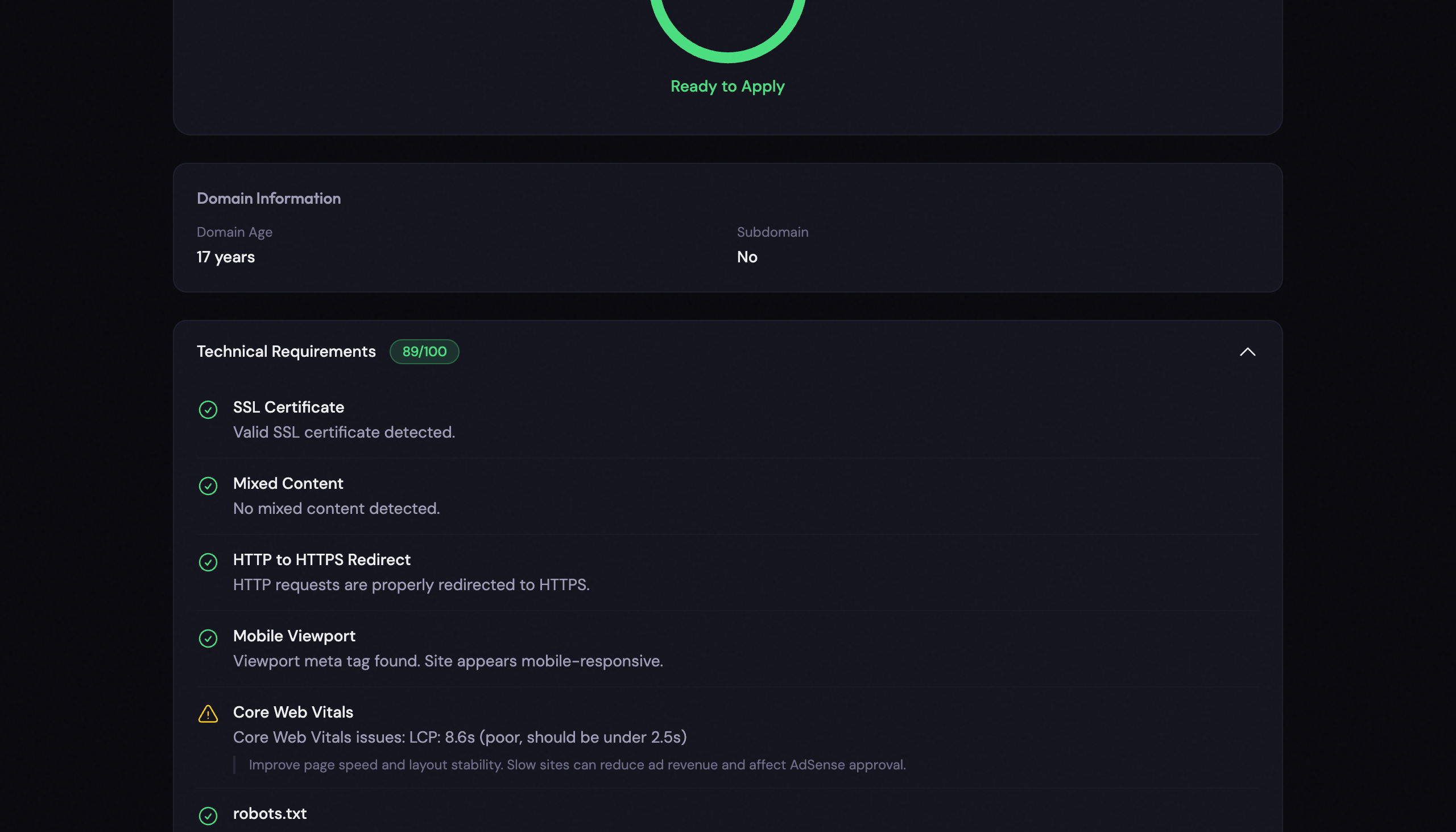
The scanner also pulls domain information like age and hosting platform, since Google weighs these during review. New domains under six months old get significantly more scrutiny.
No account required for a basic technical scan. Free accounts unlock trust page analysis. Pro users get the full report including content quality and policy compliance checks.
Try the AdSense Readiness Scanner →
Stop guessing, start fixing
AdSense rejection emails tell you nothing useful. Instead of reapplying blind every three weeks, run the scan, fix what it flags, and apply knowing exactly where you stand.